Follow your curiosity
The documentary opening
Introduce a question before the footage begins. A newspaper text match cut suits a video essay, history channel, or explainer. Try a steady pace and a short final hold so the viewer can read the subject.
Write a line, choose the word that stays still, and export your video.
The effect, explained
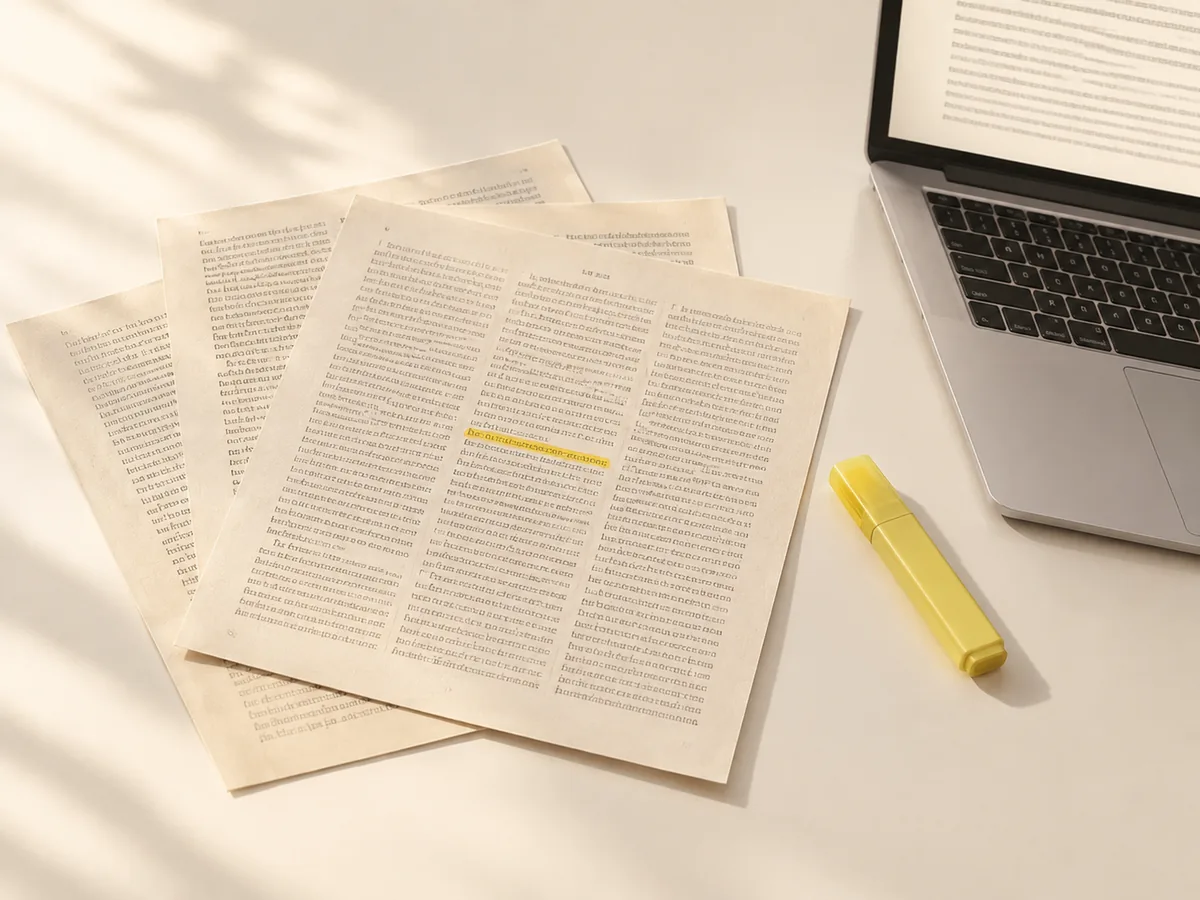
A text match cut keeps one word or phrase in the same place while the surrounding pages change. Your eye follows that stable anchor through newspaper clippings, book pages, or screenshots. The sequence can introduce a subject, connect an idea, or emphasize a quote. Start with a clear phrase; the changing backgrounds should support it.
A place to start
Open an editable starting point below. Each example changes the text, focal word, page style, and canvas shape above. Replace the sentence with something your audience needs to remember.
Introduce a question before the footage begins. A newspaper text match cut suits a video essay, history channel, or explainer. Try a steady pace and a short final hold so the viewer can read the subject.
Give a book review, podcast excerpt, or personal story a quiet opening. Book pages and a single highlighted word create a different mood from a fast news montage. Leave room around the anchor, especially on a phone screen.
Turn a brand message or launch headline into a compact title sequence. A typewriter look keeps the focus on the words. Use your own copy and a deliberate highlight color, then place the exported clip before the product footage.
From words to a finished clip
Write a short sentence and choose the word or phrase that should stay fixed. If the headline feels crowded, shorten it or choose a wider canvas before adding motion.
Pick a document style or import images and PDF pages you are allowed to use. Check the anchor on each imported frame and adjust its box when needed. Reorder the frames so the sequence has a clear beginning and a readable ending.
Set the aspect ratio, cut speed, highlight, and final hold. Preview the text match cut at the size people will actually watch it. Export a supported video format, or take individual frames into your usual editor when you want to keep refining the sequence.
Small details, better cuts
Different font sizes and line breaks make manual screenshot matching tedious. Anchor controls let you check where the focal text lands. Automatic recognition is a starting point: review unusual fonts, low contrast, and repeated words before exporting.
Use steady cuts for clarity or accelerate toward a reveal. Set the BPM and beat offset when you know your music tempo. Keep a longer final hold when the last frame carries an important message.
Save a project before trying a new direction. You can keep the same focal phrase while changing the page style, highlight treatment, or framing. A reusable project is useful when a client changes one word after the first draft.
Your material, your context
Generated page layouts are visual backgrounds, not proof that a newspaper published your sentence. For reporting or a sourced video essay, import real screenshots and preserve the original links. Check the surrounding text as well as the highlighted word. You decide whether each source is accurate, relevant, and suitable to publish.
Free release
Create and preview a text match cut, change its layout and rhythm, work with your own material, and export without a watermark. The basic editor does not require an account. Available codecs depend on your browser; the export panel shows what your device can produce.
This release does not offer paid AI tools or sell credits. Script planning, audio transcription and online source discovery are planned separately. You can already import screenshots, PDFs, audio and subtitles, then control alignment and timing yourself. Any future paid feature will show its price and data handling before you choose to use it.
Before you export
It is an editing technique where one word or phrase stays aligned while different pages cut around it. A text match cut uses typography as its visual connection. It is often called the newspaper clipping effect, although the same idea works with books, reports, and web screenshots.
Yes. Text editing, generated looks, screenshot and PDF imports, English OCR, music timing and local exports are free, with no watermark or account required. Paid AI tools and credit purchases are not available in this release.
Yes. Import your material and select the word area that should remain fixed. Check each frame when the font or layout changes. Moving the anchor aligns the original image; it does not replace the printed text inside a screenshot. Use clear images for the most readable result.
Yes. Download a video format supported by your browser, then import it into CapCut, Premiere Pro, DaVinci Resolve, or another editor. Choose a vertical canvas for Reels and Shorts or a landscape canvas for longer videos. A rendered clip is not a native editing-project file.
Choose the beat rhythm, enter the track tempo, and adjust the beat offset until the cuts meet the rhythm you want. Preview before export. You can also add sound in your main editor afterward. Use music and recordings you have permission to include in the final video.
The free editor processes your text, imported pictures, PDFs and audio in your browser, including English word recognition and exports. Projects are saved on this device rather than in a cloud account. Hosting still processes technical request data to deliver and protect the website. Back up your project before clearing browser storage; see our Privacy Policy for details.
You can edit and preview on a phone, tablet, or desktop. Export speed and supported formats vary with browser and device memory. For a large collection of source images or a high-resolution export, a desktop browser gives you more working space and usually more processing capacity.
No. The built-in paper styles are decorative layouts made for your animation. They should not be presented as real press coverage or quotations. If your story depends on published evidence, use actual source material and verify the publication, date, wording, and permission to reuse it.
Make a draft above, watch it at phone size, and refine the detail that matters most.
Make a free text match cut